
What the self-healing AI does — and its guardrails
Every Belov Cloud site is watched by a self-healing AI copilot that runs a full health check every minute — and when something breaks, it can often fix it before you'd notice. Here's exactly what it does on its own, and the guardrails that keep it from ever making things worse.
The copilot works in a tight loop — detect, diagnose, heal, verify — run every minute against every site. It's built to be conservative: a single slow request or one failed check never triggers anything on its own. It double-probes first, confirming the problem is real and still happening, before it touches your site.
- DetectEvery minute it checks whether the site is healthy and actually serving pages, and watches for the kinds of problems that surface in your logs — PHP warnings and fatals, slow requests, web-server errors. Anything off is flagged, then confirmed with a second probe before it counts as a real problem, so a one-off blip is ignored. On WordPress it also reads crashes straight out of your site's container: three or more fatal PHP worker crashes in ten minutes flags the site even when the page it just fetched came back fine — that's how a site failing only a share of its requests gets caught instead of looking perfectly healthy every tick.
- DiagnoseIt works out the likely cause rather than just noting that something is wrong — for example a plugin throwing fatals, or a PHP version the site no longer tolerates after a switch.
- HealIt applies the narrowest safe fix: deactivate a crashing plugin (never delete it, so nothing is lost and you can turn it back on later), roll a bad PHP switch back to the last working version, or rebuild both caches on a site that has gone slow — and if two rebuilds inside twelve hours don't help, it stops rebuilding and reports where the time is actually going instead. Some things it deliberately won't touch: a PHP runtime crashing on its own configuration is flagged for a human, because restarting it would just crash it again.
- VerifyIt re-checks the site to confirm the fix actually worked. If the site is healthy again it closes the incident out; if it isn't, the copilot stops and escalates instead of guessing again.
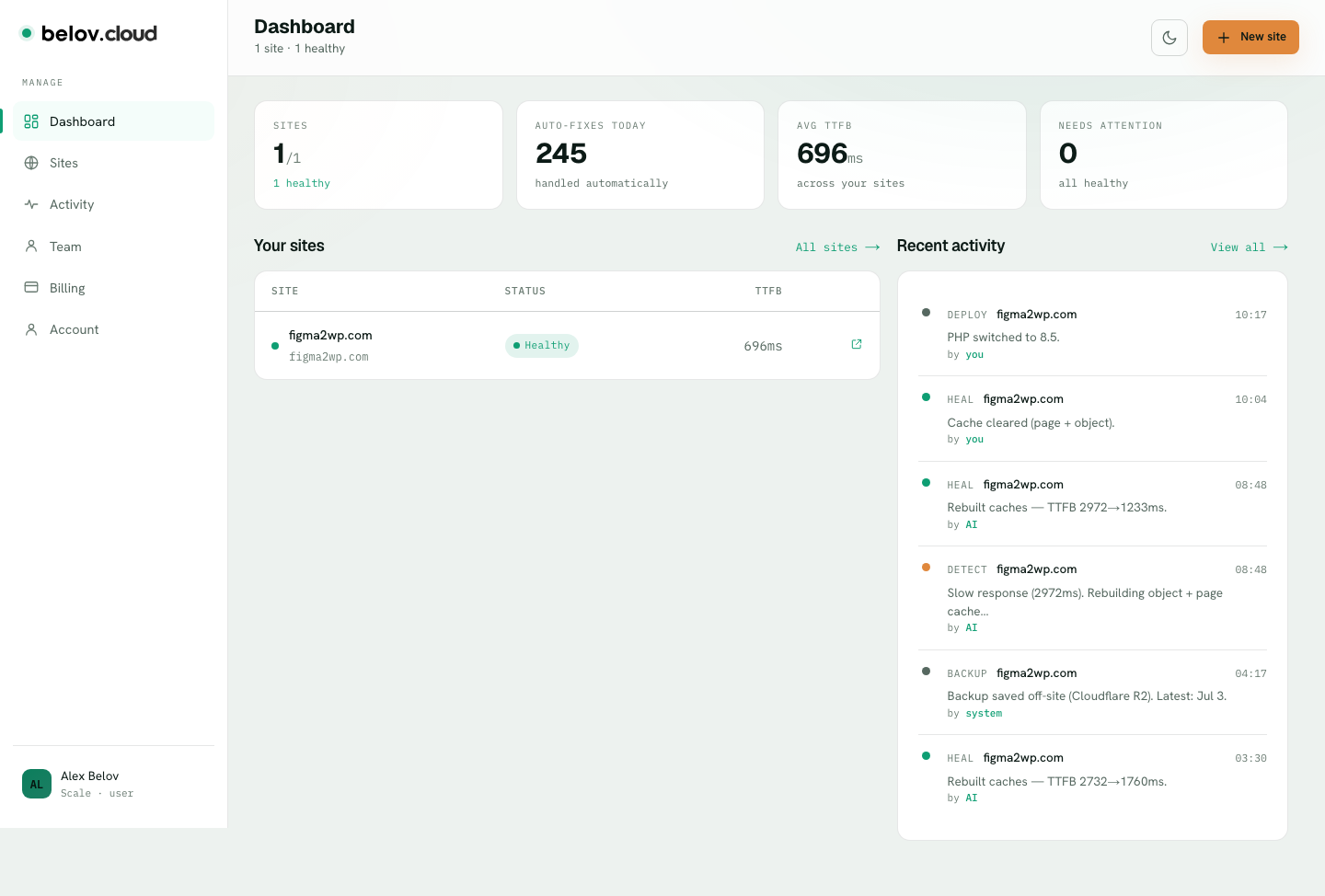
What runs on its own is deliberately limited to safe, reversible fixes: deactivating a failing plugin, or rolling a PHP version back to the last one that worked. Those run automatically the moment the double-probe confirms them, because undoing them is trivial — you can reactivate the plugin, and the PHP rollback is itself the site's health check kicking in. Anything riskier is never done silently — the copilot proposes it, shows you what it wants to change and why, and waits for your approval before acting.
Nothing the AI does is hidden. Every detection, fix, and escalation is written to the site's Activity tab in plain English — what happened, when, and whether it was done automatically or is waiting on you. You can read the full story of your site at any time, and see exactly what was changed on your behalf.
This is the core of our managed WordPress hosting: detect, diagnose and fix — usually before you notice.
WordPress hosting that heals itself →